Login Page
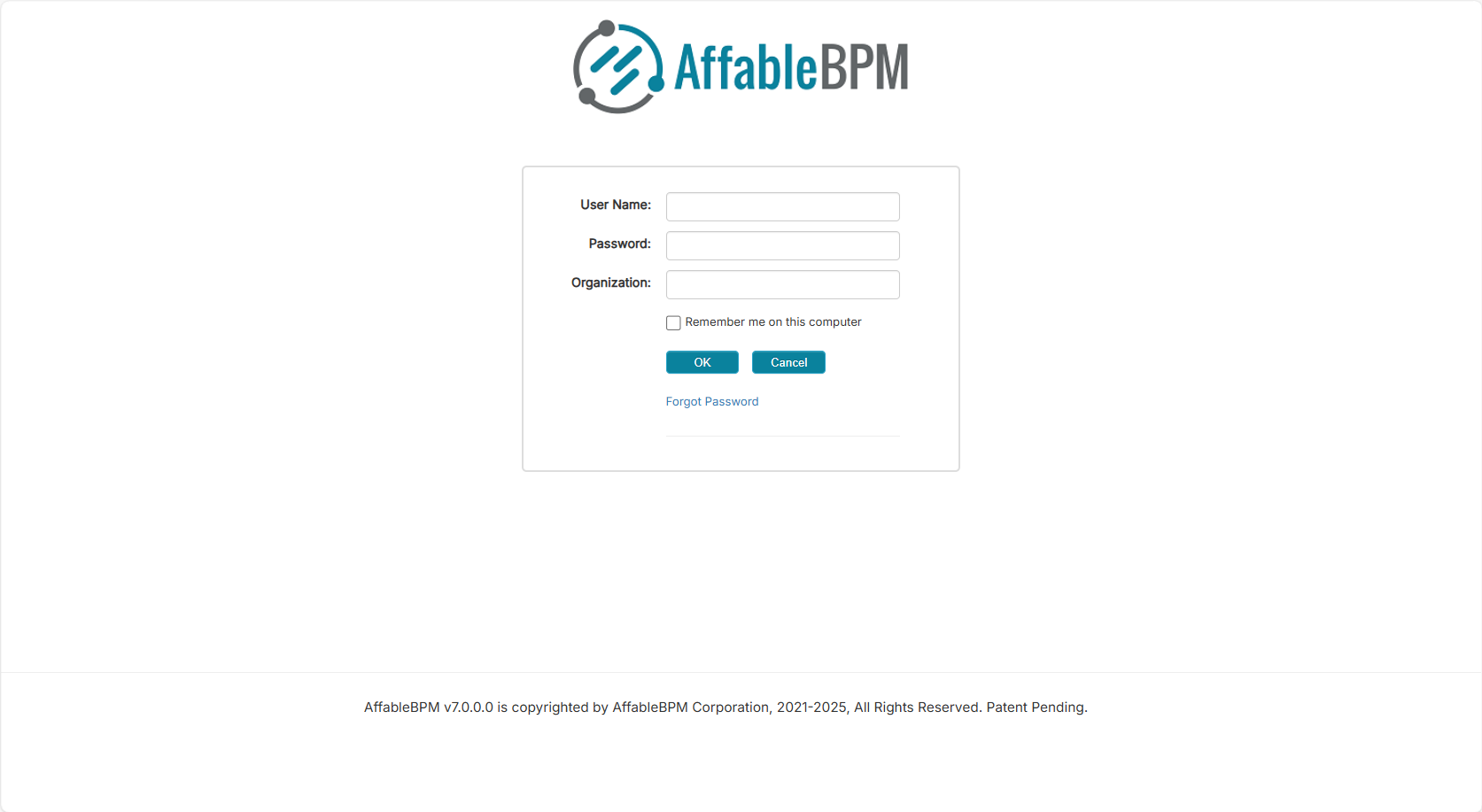
Use the Login page to securely access your AffableBPM workspace. You will need the Username, Password, and Organization name provided by your Administrator.
How to Login
-
Open your browser and go to the URL provided by your Administrator.
-
Enter your Username, Password, and Organization.
-
Optionally, check Remember me on this computer to save your login credentials.
noteThe Remember me on this computer option applies per computer.
-
Click the OK button to proceed with login.
noteOnly one active login session is permitted per user. Logging in from another browser or device will automatically log out previous sessions. You may receive a message indicating that you are currently logged in elsewhere and that your previous session will be logged off. Click the OK button to close the session and continue.
- To protect the confidentiality of your data, the application tracks your session inactivity and will log you out after reaching the maximum timeout period.