Introduction to Basic User Guide
AffableBPM is a web-based business process management software solution designed for easy access and organization of your records and documents. This guide helps General Users (Basic) manage records and documents efficiently in AffableBPM.
Key Features
- User-Friendly Interface: Master the system quickly with built-in tutorials.
- Browser Compatibility: Access AffableBPM via modern browsers like Microsoft Edge (preferred), Google Chrome, or Firefox.
- 24/7 Document Access: Retrieve documents and images anytime.
- Report Generation: Create and print user-defined reports in PDF or Excel.
- Security: HIPAA-compliant with automatic session timeouts and secure multi-user access.
- Record Management: View, update, upload files, route records, add comments, and electronically sign documents.
- Notifications: Receive email alerts for deadlines and renewals.
- Archiving: Search stored data across multiple libraries with accurate indexing and OCR capabilities.
Terminology and Abbreviations
The AffableBPM system organizes data into Workflows. Key terms include:
- System Administrator: Manages the Organization in AffableBPM.
- Manager: Oversees workflow configurations.
- General User (Basic): A user with limited rights to view, update, and manage records.
- Organization: Contains one or more workflows.
- Workflow: A structured repository that groups related records within an organization. Each workflow can be configured for specific business processes such as contract management, compliance tracking, or document management. Workflows contain their own fields and routing configurations. Example: A "Contract Management" workflow groups all contract-related records together.
- Record: A collection of related data fields.
- Documents: Files (e.g., PDFs, images, Word, Excel) stored in records.
- Dashboard: Predefined reports in PDF or Excel format.
- AffableBPM Corporation: The software vendor.
- SQL Module: Data type for fields.
- Database: Organized data for fast search and retrieval.
- URL: A web page address.
Basic User Overview
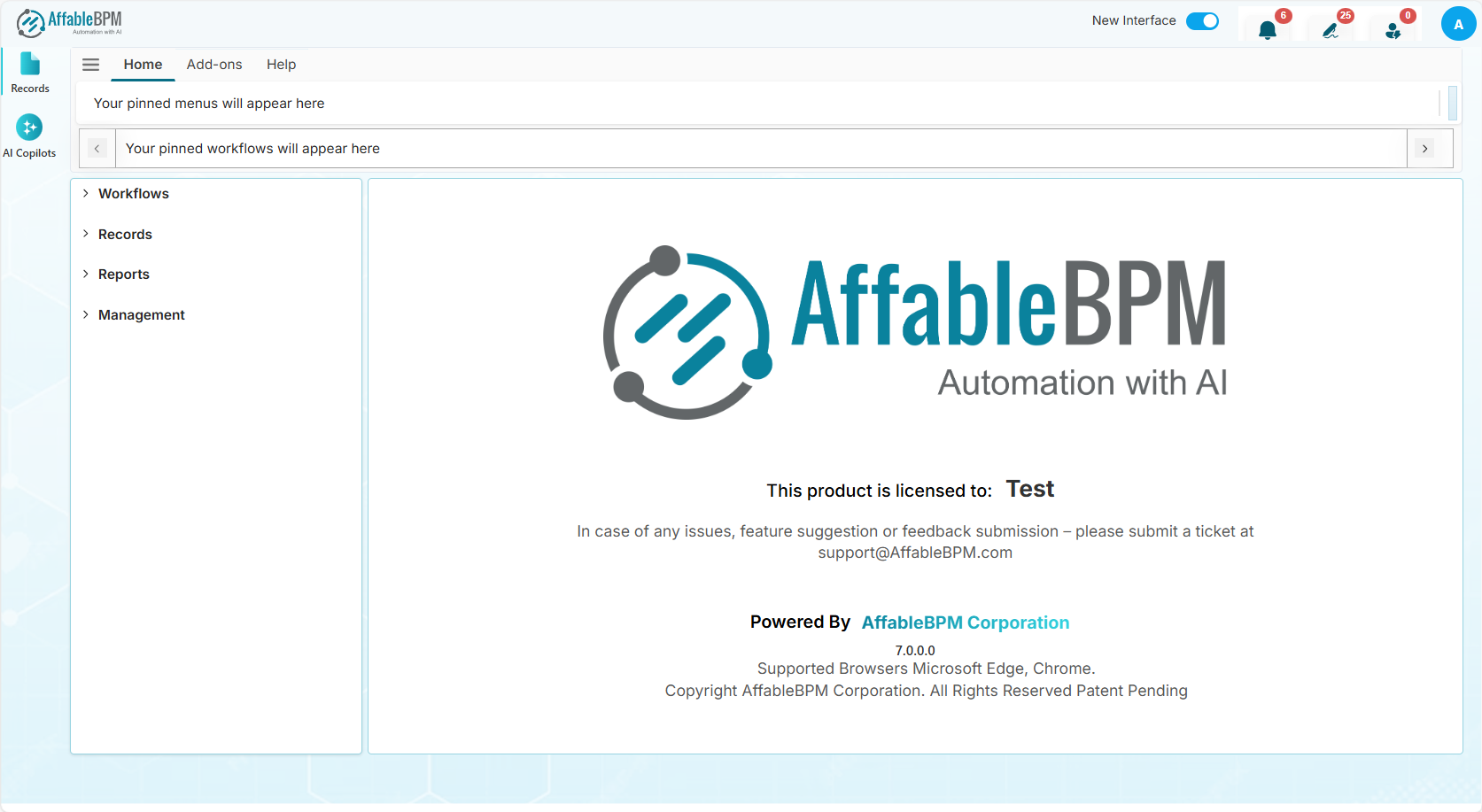
As a Basic User, you can:
- View and update records with appropriate access rights.
- Upload files and route records to other users.
- Review and comment on documents.
- Electronically sign documents.
- Generate and print reports (e.g., Dashboard Reports or report generation pages).
Start by exploring the User Interface, Workflow Access, or Viewing a Record.