Introduction to Manager Guide
AffableBPM is a web-based business process management solution designed for efficient workflow management. This guide supports Managers in configuring and overseeing workflows in AffableBPM.
Key Features for Managers
- Workflow Configuration: Customize workflow settings, fields, and folders.
- User-Friendly Interface: Master the system quickly with built-in tutorials.
- Browser Compatibility: Access AffableBPM via Microsoft Edge (preferred), Google Chrome, or Firefox.
- 24/7 Access: Retrieve documents and manage workflows anytime.
- Report Management: Grant Dashboard report access and generate reports.
- Security: HIPAA-compliant with secure multi-user access and audit trails.
- Data Import: Import records from Excel for efficient setup.
- Notifications: Configure email alerts for workflow events like deadlines.
Terminology and Abbreviations
The AffableBPM system organizes data into Workflows. Key terms include:
- System Administrator: Manages the Organization in AffableBPM.
- Manager: Oversees workflow configurations (e.g., settings, fields, defaults).
- General User (Basic): A user with limited rights to manage records.
- Organization: Contains one or more workflows.
- Workflow: A structured repository that groups related records within an organization. Each workflow can be configured for specific business processes such as contract management, compliance tracking, or document management. Workflows contain their own fields and routing configurations. Example: A "Contract Management" workflow groups all contract-related records together.
- Record: A collection of related data fields.
- Documents: Files (e.g., PDFs, images, Word, Excel) stored in records.
- Dashboard: Predefined reports in PDF or Excel format.
- AffableBPM Corporation: The software vendor.
- SQL Module: Data type for fields.
- Database: Organized data for fast search and retrieval.
- URL: A web page address.
Manager Overview
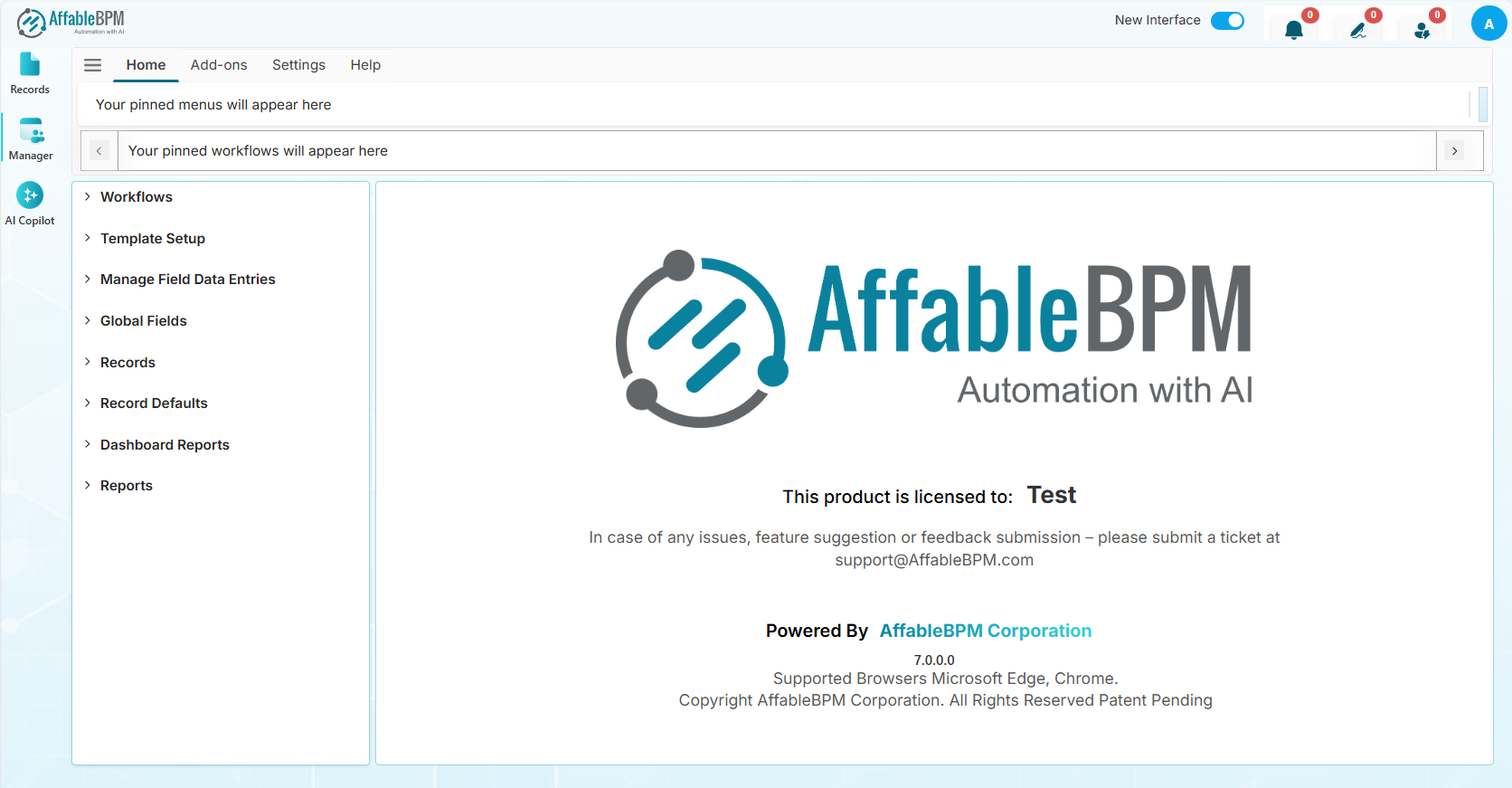
As a Manager, you are responsible for configuring workflows, including:
- Setting up workflow settings and field structures.
- Managing global fields and default values.
- Granting Dashboard report access to users.
- Configuring folders for new records.
- Managing dropdown field values.
- Importing records from Excel.
- Creating input form templates.